Upload your DST file
Navigate to the StitchPilot.ai embroidery viewer and upload your DST file. The viewer renders a stitch simulation from the binary coordinate data stored in the file.
 StitchPilot.ai
File viewer · DST format
Preview DST embroidery files in your browser before sending to a commercial or industrial machine. View stitch paths, color change points, and design dimensions without installing desktop software. Verify your design structure and share visual previews before production.
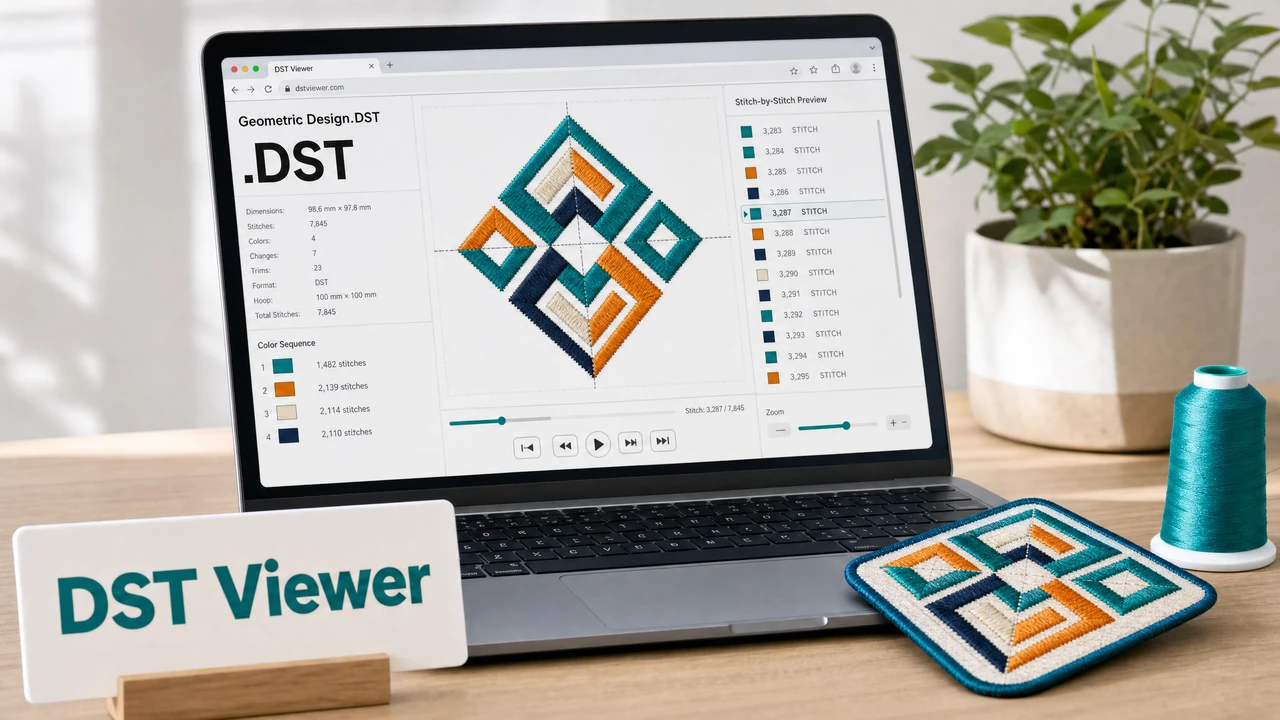
How to preview a DST file
Navigate to the StitchPilot.ai embroidery viewer and upload your DST file. The viewer renders a stitch simulation from the binary coordinate data stored in the file.
DST files mark color changes but do not embed thread color names. The viewer shows color-change stops as distinct zones — cross-reference these with your intended color sequence sheet.
Check that the rendered design fits within your intended hoop size. Industrial machines have specific hoop and design-area limits — confirm dimensions match your machine's capacity.
Export or screenshot the preview to share with a client or production team. A visual reference reduces miscommunication about stitch layout, scale, and color placement before the design goes to production.
Why preview DST files?
DST files store stitch coordinates and color-change markers but do not include thread color names. A viewer helps you confirm the overall stitch structure, identify jump stitch issues, and verify color change sequencing before sending to a commercial shop.
DST previewing notes
Because DST does not store thread color data, the viewer assigns placeholder colors to each color-change zone. These are for visual reference only — actual thread colors must be specified in a separate color sequence sheet when ordering commercially.
DST viewer — common questions
Yes. The StitchPilot.ai embroidery viewer renders DST files in the browser without requiring any installed embroidery software.
DST files do not embed thread color names or brand codes — they only mark color-change stop points. The viewer assigns placeholder colors for visual reference. Actual thread colors must be communicated separately via a color sequence sheet.
Yes. The StitchPilot.ai viewer works in modern browsers on desktop, tablet, and mobile devices.
No. The viewer generates a read-only simulation. The original file is not modified.
The viewer supports standard DST files used in common embroidery workflows. For unusually large or complex files, contact support@stitchpilot.ai.
Ready to get started?
Upload a DST file to view stitch paths, color zones, and design dimensions in your browser — no software installation required.
Open DST Viewer →