Use case · Logo digitizing

Logo Embroidery with StitchPilot.ai

Logo embroidery is one of the most common embroidery applications — from corporate uniforms and branded caps to promotional merchandise and retail products. StitchPilot.ai assists with the digitizing workflow, helping you go from logo artwork to a machine-ready embroidery file with AI-guided checkpoints.

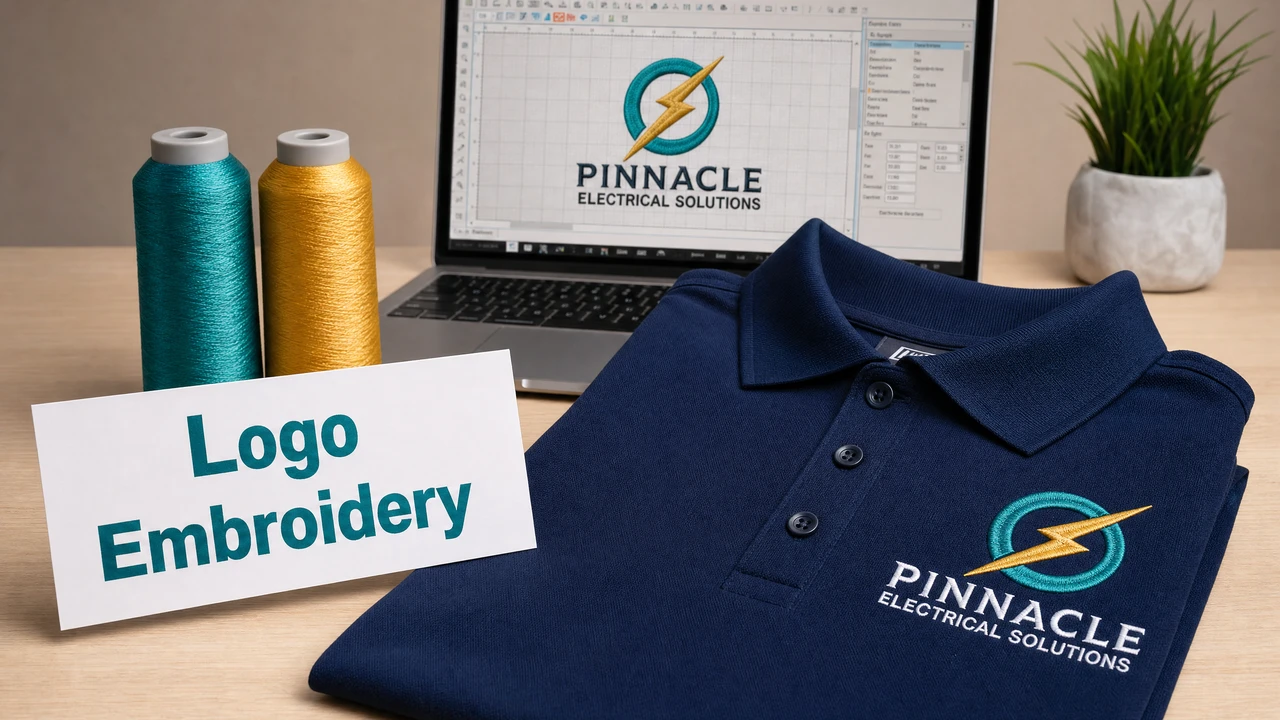
Logo embroidery workflow from artwork to machine-ready file in StitchPilot.ai
Logo embroidery workflow from artwork to machine-ready file in StitchPilot.ai.

Logo embroidery workflow

01

Prepare your logo artwork

Start with a clean SVG, PNG, or JPG version of your logo. Logos with solid color regions and defined outlines digitize more reliably than those with gradients, fine detail, or photographic elements. A simplified embroidery-ready version of the logo is often worth creating separately.

02

Upload and set output parameters

Upload your logo to StitchPilot.ai and specify the target size and format. The AI analyzes color regions and recommends stitch settings. Review recommendations against your intended placement and hoop size.

03

Review the stitch preview

Examine the stitch simulation for fill coverage, color zone accuracy, and edge definition. Pay attention to thin lines, small text, and complex shapes — these areas are most likely to require adjustment before production.

04

Export and test before production

Download the embroidery file in your required format (PES, DST, JEF, or VP3). Transfer to your machine and run a test stitch on scrap fabric using the same backing and stabilizer as the production run. Evaluate the result before committing to final material.

Common logo embroidery applications

Where logos are embroidered

Logo embroidery appears across a wide range of products and industries. Each application has different size, stitch count, and fabric constraints that affect the digitizing approach.

  • Polo shirts and uniform shirts — chest logo 70–100mm wide
  • Caps and hats — front logo 50–80mm wide, low profile required
  • Jackets and outerwear — back logo up to 120mm or larger
  • Bags, totes, and accessories — size varies by placement area

Production planning

Size, format, and fabric considerations

Embroidery output quality depends on the interplay of stitch density, fabric type, stabilizer choice, and design size. Establish the final size and placement before digitizing. A design optimized for a 100mm chest logo will not necessarily reproduce well at 40mm.

  • Establish target size before digitizing
  • Choose stabilizer appropriate for fabric weight
  • Run a test stitch before full production
  • Keep the source file for future re-exports at different sizes

Logo embroidery — common questions

What file types can I use for logo embroidery?

SVG vector files are ideal because they scale without quality loss. PNG at 300 DPI or above also works well. Avoid compressed JPG screenshots or low-resolution source files.

Can I embroider a logo with many colors?

Yes, but embroidery works best with a simplified color palette. Designs with 6 or fewer thread colors are typically cleaner and more practical to produce. Consider merging very similar colors and simplifying the logo palette before digitizing.

How small can embroidered text be?

Text becomes difficult to read in embroidery below about 4–5mm cap height. For very small text, consider replacing it with a simplified mark or removing it from the small-format version of the design.

What format should I use for a logo embroidery order?

For commercial production through a shop, DST is the most widely accepted format. Include a color sequence sheet with thread brand and color references. For personal machine use, choose the format native to your machine (PES for Brother, JEF for Janome, VP3 for Pfaff/Viking).

Do I need a separate file for each placement location?

Usually yes. A chest logo and a cap front logo are typically different sizes and may require separate digitizing runs, as stitch density and design simplification vary with output size.

Ready to get started?

Convert your logo to an embroidery file

Upload your logo as SVG, PNG, or JPG, review the AI-assisted stitch preview, and export in PES, DST, JEF, or VP3 format — ready for production.

Start logo embroidery →