Digitize your design
Upload artwork (PNG, SVG, JPG) to StitchPilot.ai to create a digitized embroidery file. Review the AI-generated stitch preview for coverage, color zones, and edge quality. Adjust the design before generating your listing files.
 StitchPilot.ai
Use case · Etsy embroidery sellers
Etsy sellers of digital embroidery designs need clear, accurate preview images for their listings. StitchPilot.ai converts PES, DST, JEF, and other embroidery files into PNG preview images, showing stitch layout and color zones — exactly what buyers need to see before purchasing a digital download.
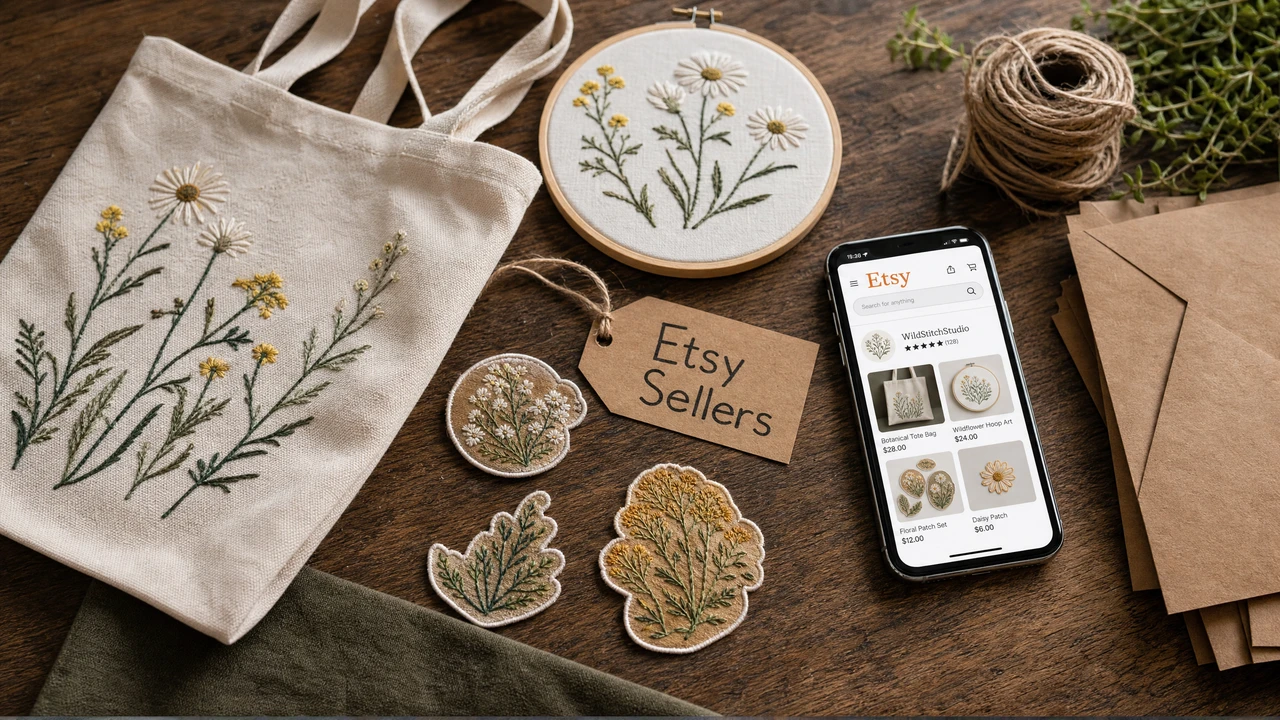
Etsy embroidery seller workflow
Upload artwork (PNG, SVG, JPG) to StitchPilot.ai to create a digitized embroidery file. Review the AI-generated stitch preview for coverage, color zones, and edge quality. Adjust the design before generating your listing files.
Convert your embroidery file to a PNG preview image using the Embroidery to Image tool. The preview shows the stitch layout and color regions — perfect for Etsy listing photos that accurately represent what buyers will download.
Download embroidery files in multiple formats for your listing bundle: PES for Brother, DST for commercial shops, JEF for Janome, VP3 for Pfaff/Viking, HUS for Husqvarna. Offering more formats reduces buyer friction and returns.
Use the preview image as your primary Etsy listing photo. Include format details, recommended hoop size, stitch count estimate, and color count in your listing description. Add a usage note recommending a test stitch before final use.
Listing image best practices
Etsy buyers rely heavily on listing images to evaluate digital embroidery designs. A high-quality stitch preview image on a neutral background performs better than a mockup on a garment, because it shows the actual stitch layout buyers will work with.
Digital download format bundles
Most successful Etsy embroidery sellers offer multiple formats in a single download. This reduces buyer questions about compatibility and increases conversion from browsers to buyers. Aim for 5–7 formats covering the most common home machine brands.
Etsy embroidery sellers — common questions
Upload your PES, DST, or JEF embroidery file to StitchPilot.ai's Embroidery to Image converter. It generates a PNG preview showing the stitch layout and color zones, which you can use as your Etsy listing image.
For Etsy digital downloads, consider offering multiple formats: PES for Brother machines, DST for commercial shops, JEF for Janome, VP3 for Pfaff/Viking, and HUS for Husqvarna/Viking. Offering 5–6 formats in a zip file is a common Etsy seller practice.
Yes. Upload your artwork (PNG, SVG, JPG) to StitchPilot.ai to create digitized embroidery files. Review the stitch preview, adjust as needed, and download the files for your Etsy listing.
Etsy recommends listing images at 2000px or wider with a 4:3 aspect ratio for best display. Export your preview image from StitchPilot.ai and crop or resize as needed to meet Etsy's requirements.
Yes. All embroidery designs should be test-stitched on the appropriate fabric and stabilizer before use on the final project. Preview images show stitch layout but cannot account for individual machine settings, thread brand, or fabric variables.
Ready to create listing previews?
Upload any PES, DST, JEF, or VP3 embroidery file and export a PNG preview image for your Etsy listing — or digitize new artwork to sell as digital downloads.
Generate preview images →