Machine guide · DST format

Tajima Embroidery Machine Guide

Tajima industrial embroidery machines are the backbone of commercial embroidery production worldwide. This guide covers DST format requirements, color sequence documentation, hoop planning, and production workflow tips for working with Tajima systems.

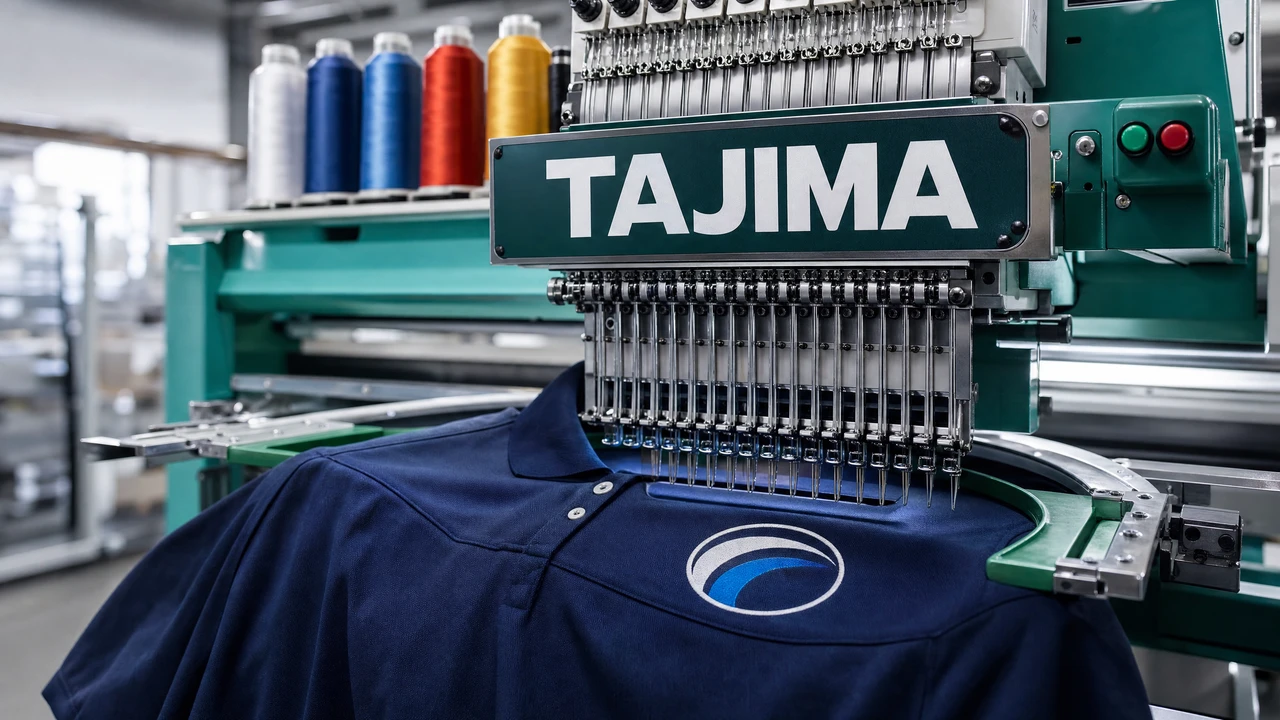
Tajima commercial embroidery machine DST format workflow in StitchPilot.ai
Tajima machine workflow and DST format guide in StitchPilot.ai.

Commercial embroidery workflow with Tajima

01

Prepare artwork for commercial production

Clean artwork with well-defined color regions and strong contrast produces the most consistent results on Tajima systems. Avoid gradients, photographic textures, and thin strokes that are difficult to reproduce in stitch form.

02

Convert and export as DST

Use StitchPilot.ai to convert PNG, JPG, SVG, or WebP artwork into DST format. DST is the Tajima native format and is accepted by virtually all commercial embroidery shops. Review the stitch preview before exporting.

03

Prepare a color sequence sheet

DST files do not embed thread color names. Create a numbered list of thread colors in the sequence they appear in the design. Include brand and color codes (Madeira, Isacord, or Robison-Anton) for your production contact.

04

Deliver with production notes

Send the DST file alongside your color sequence sheet, sizing and placement notes, and any fabric or stabilizer requirements. Clear documentation reduces production errors and minimizes revision rounds.

Tajima machine systems

Industrial multi-head machines

Tajima produces a range of commercial embroidery systems, from single-head units to large multi-head production machines. All use DST as the primary format. Tajima systems are found in commercial embroidery shops, uniform manufacturers, and branded merchandise producers worldwide.

  • Single-head and multi-head commercial systems
  • DST is the native and primary format
  • Used by commercial shops, uniform makers, and promo manufacturers
  • Accept files via USB, network, or direct connection depending on model

Commercial workflow notes

Ordering from a Tajima shop

When ordering from a commercial embroidery shop that runs Tajima equipment, DST is almost always the accepted format. Provide a color sequence sheet with your file. Confirm sizing, placement, and backing material with your contact before production begins.

  • Provide DST file plus numbered color sequence sheet
  • Include placement diagram and sizing notes
  • Confirm fabric type and stabilizer with your vendor
  • Request a physical sample or photograph before full production run

Tajima machines — common questions

What file format do Tajima machines use?

Tajima machines use DST (Data Stitch Tajima) as their native format. DST is also widely supported by other commercial machine brands, making it the standard for commercial embroidery orders.

Do Tajima machines support PES or JEF files?

Tajima machines are designed for DST. While some models or RIP software may support additional formats, DST is the recommended and most reliable format for Tajima production systems.

How do I provide color information with a DST file?

DST files do not embed thread color names. Include a numbered color sequence sheet with your order, listing thread brand and color code for each color change in the design.

Can I convert a logo or photo to DST for commercial production?

Yes. StitchPilot.ai can convert PNG, JPG, SVG, and WebP artwork into DST format using AI-assisted digitizing. Review the stitch preview and provide a color reference sheet with your file.

What should I send to a Tajima embroidery shop?

Send the DST file, a numbered color sequence sheet with thread brand and code references, a sizing and placement diagram, and any fabric or production notes relevant to your order.

Ready to get started?

Convert artwork for Tajima production

Upload PNG, JPG, SVG, or WebP artwork and export a DST file ready for commercial Tajima embroidery production.

Start converting →