Use case · Custom embroidery patches

Custom Embroidery Patches

Custom embroidery patches require clean artwork, appropriate stitch density for the patch size, and a production-ready file format. StitchPilot.ai helps you digitize patch artwork with AI assistance — from logo to stitchable file, ready for iron-on, sew-on, or Velcro patch production.

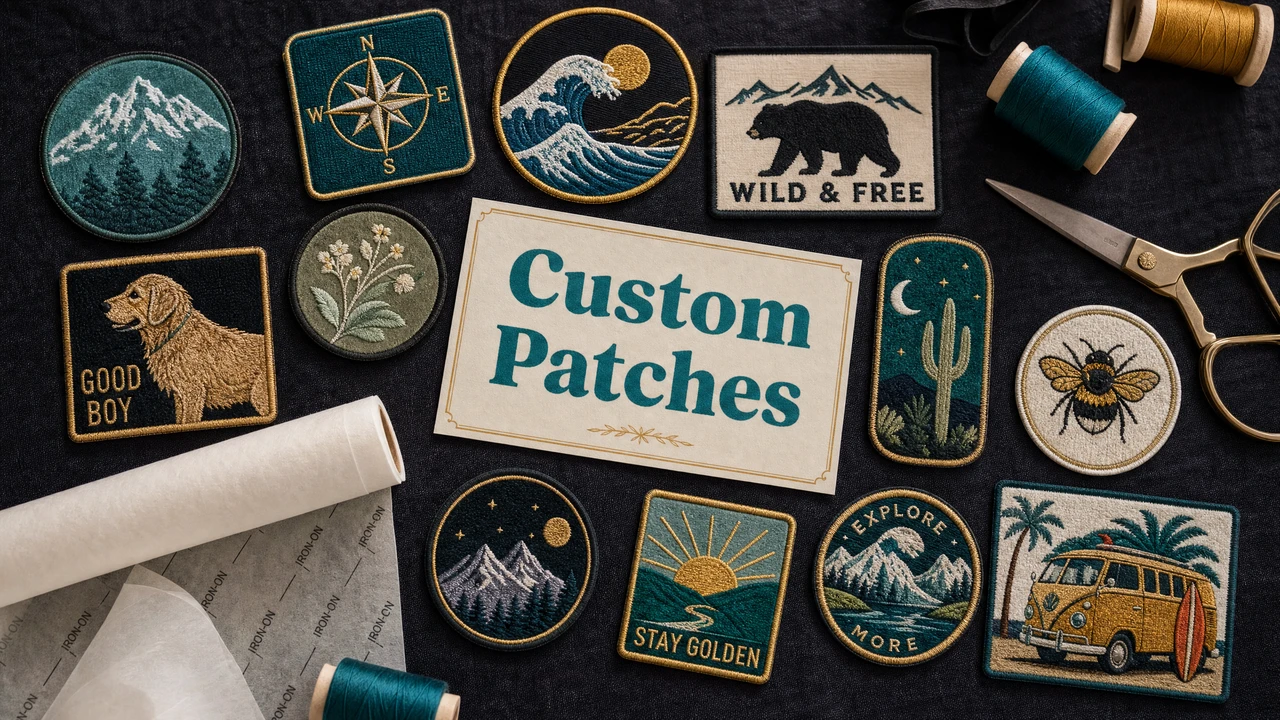
Custom embroidery patch design and digitizing workflow in StitchPilot.ai
Custom patch digitizing workflow in StitchPilot.ai.

Custom patch workflow

01

Prepare patch artwork

Start with clean, high-contrast artwork. SVG vector files or high-resolution PNG with solid fills work best. Simplify any fine details that won't reproduce well at patch scale. Text should be at least 4–5mm cap height to remain readable as stitches.

02

Set patch dimensions

Decide the final patch size before digitizing — stitch density is calibrated to output size. Common patch sizes range from 2×2 inches to 4×4 inches. Larger patches allow more detail; very small patches require the artwork to be simplified further.

03

Digitize with AI assistance

Upload your artwork to StitchPilot.ai. The AI analyzes color regions, shape boundaries, and design complexity, then recommends stitch settings. Review the stitch preview to verify fill coverage, color placement, and border alignment before exporting.

04

Export and send to production

Download the embroidery file in DST (for most commercial patch shops) or the format requested by your producer. Include a color reference sheet with thread brand and color codes for each color stop in the design. Run a sample patch before full production.

Patch types

Iron-on, sew-on, and Velcro

The embroidery digitizing process is the same regardless of patch backing type. The backing (iron-on adhesive, sew-on fabric, or Velcro) is typically added during finishing by the patch producer, not part of the embroidery file itself.

  • Iron-on patches: heat-activated adhesive backing for garments
  • Sew-on patches: stitched to fabric at attachment points
  • Velcro patches: loop backing for tactical and uniform use
  • Specify backing type to your patch producer, not in the file

Border and edge finishing

Merrowed vs satin stitch border

Most patches use either a merrowed (overlocked) edge or a satin stitch border. Merrowed edges are common on traditional patches. Satin stitch borders are digitized as part of the embroidery design. Confirm with your patch producer which style they use and whether the border needs to be included in the embroidery file.

  • Merrowed edges: done on a serger after stitching — not in the file
  • Satin stitch borders: digitized as part of the embroidery design
  • Confirm border style with your producer before digitizing
  • Leave clear margin between fill area and intended edge

Custom patches — common questions

What embroidery format should I use for custom patches?

DST is the most widely accepted format for commercial patch production. If your patch producer uses a specific machine brand, ask which format they prefer. DST works across the Tajima and Barudan machines common in commercial patch shops.

What is a good size for a custom embroidery patch?

Common patch sizes range from 2×2 inches for small logo patches to 4×4 or larger for detailed designs. The size affects stitch density and minimum detail size — very small patches require simplified artwork to stitch cleanly.

Do I need a border on my embroidery patch design?

A border (merrowed edge or satin stitch border) is standard on most patches and serves both functional and aesthetic purposes. It defines the patch shape and prevents fraying. Include the border in your digitized design or specify it separately to your patch producer.

What artwork types work best for embroidery patches?

Clean vector artwork (SVG) or high-resolution PNG with solid color fills and clear outlines converts most reliably. Avoid photorealistic images, complex gradients, or fine text under 4mm cap height for patch designs.

Can I digitize a patch design myself without professional software?

Yes. StitchPilot.ai uses AI to assist with digitizing, which removes the need for dedicated digitizing software. Upload your artwork, review the AI stitch recommendations, preview the result, and export a production-ready embroidery file.

Ready to get started?

Digitize your custom patch design

Upload your patch artwork as SVG or PNG, review the AI-assisted stitch preview, and export a production-ready DST or PES file for your patch producer.

Start digitizing →