Upload your EMD file
Open the StitchPilot.ai embroidery viewer and upload your EMD file. The viewer parses stitch and color data from the Elna format and renders a visual simulation.
 StitchPilot.ai
File viewer · EMD format
Preview EMD embroidery files in your browser without Elna software. The StitchPilot.ai viewer renders EMD stitch paths and color zones online, letting you inspect Elna machine design files, verify structure, and share previews before sending to production.
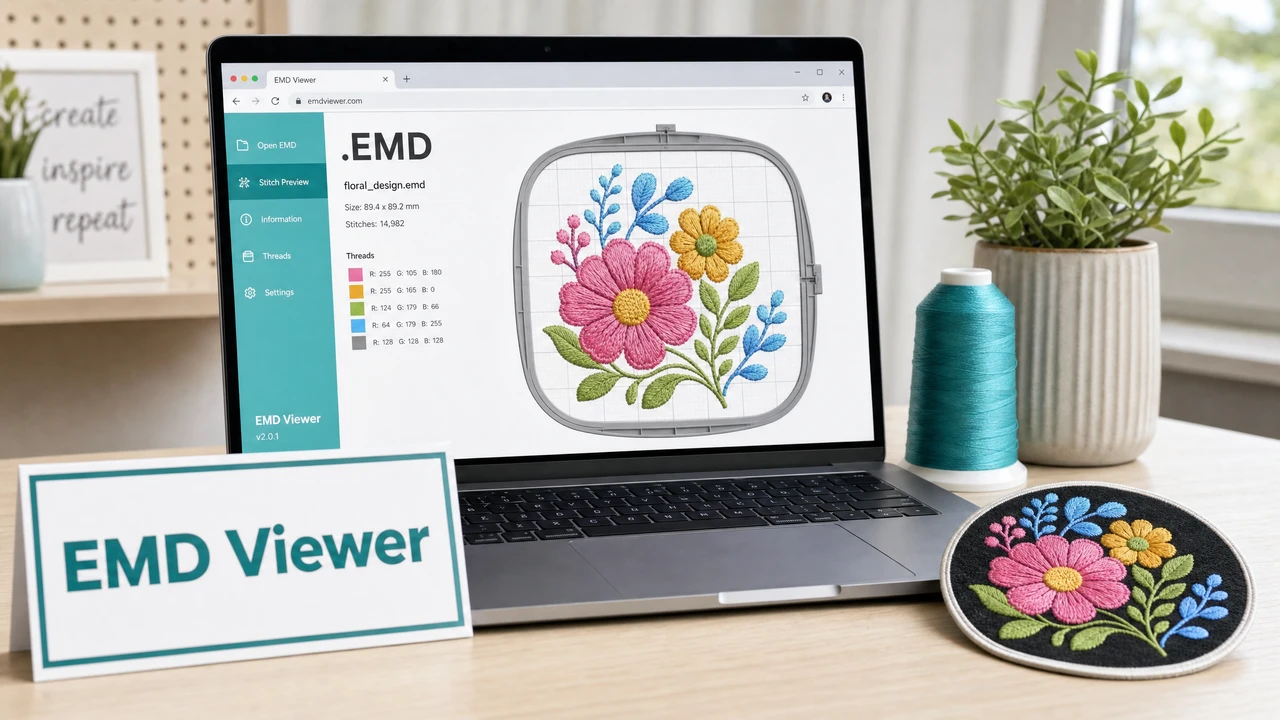
How to preview an EMD file
Open the StitchPilot.ai embroidery viewer and upload your EMD file. The viewer parses stitch and color data from the Elna format and renders a visual simulation.
Inspect fill coverage, color placement, and stitch sequencing. Confirm that the design looks as expected before transferring to your Elna machine.
Verify that the rendered design fits within your Elna machine's supported hoop area. Confirm dimensions match your intended placement before production.
Many Elna machines also support JEF format, which is the standard Janome format. If your Elna machine accepts JEF, you may find broader software support and tool compatibility using JEF files.
About the EMD format
EMD is an embroidery format associated with Elna machines. Elna is a sister brand of Janome, and the two brands share significant technical overlap. Many Elna machines also support JEF format, which is the primary Janome format. EMD files store stitch data and color information.
EMD and JEF
Because Elna and Janome are closely related brands, many Elna machines accept JEF files in addition to EMD. If you need broader tool support or are creating new designs, JEF is the more widely supported format for this machine family. Check your Elna machine's documentation for the full list of supported formats.
EMD viewer — common questions
EMD format is associated with Elna embroidery machines. Elna is a sister brand of Janome, and some Elna machines also support JEF format files.
Yes. The StitchPilot.ai embroidery viewer renders EMD files in the browser without requiring Elna software or any other installed application.
Elna machines, which use EMD, are made by Janome. Some Elna models also support JEF format. Check your specific machine documentation to confirm which formats are supported.
For converting existing embroidery files between formats, use dedicated embroidery software. StitchPilot.ai can digitize new artwork into PES, DST, JEF, or VP3 from image sources.
No. The viewer generates a read-only simulation. The original EMD file is not modified.
Ready to get started?
Upload an EMD file to view stitch paths, color zones, and design dimensions in your browser — no software installation required.
Open EMD Viewer →