Open the embroidery viewer
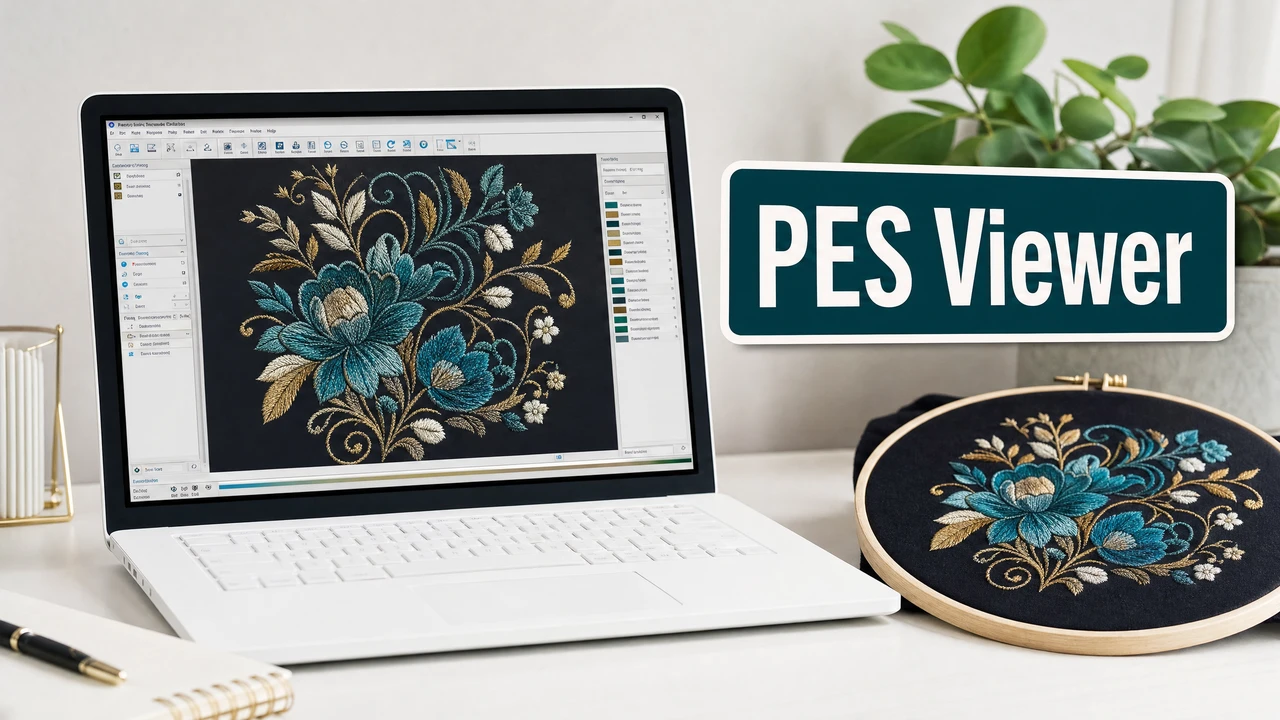
Navigate to the StitchPilot.ai embroidery viewer and upload your PES file. The viewer renders a stitch simulation directly in the browser — no software installation required.
 StitchPilot.ai
File viewer · PES format
Preview PES embroidery files in your browser before sending to a Brother or Babylock machine. View stitch paths, color zones, and design dimensions without installing desktop software. Catch issues early and share visual previews with customers or production partners.
How to preview a PES file
Navigate to the StitchPilot.ai embroidery viewer and upload your PES file. The viewer renders a stitch simulation directly in the browser — no software installation required.
Inspect the stitch rendering to verify fill regions, outline paths, and color sequence. Look for unexpected gaps, overlapping fill areas, or misaligned paths before committing to production.
Confirm the rendered design fits within your intended hoop size. A design that exceeds your machine's hoop capacity will need to be resized or split before transfer.
Use the preview image for client approvals, production notes, or internal review. A visual reference reduces back-and-forth and helps confirm design intent without running a physical test stitch.
Why preview PES files?
PES files contain stitch coordinate data, color sequences, and machine jump commands. A viewer renders these as a visual stitch simulation, helping you identify density issues, misaligned paths, or unexpected color changes before the design reaches the machine.
When to use a viewer
Viewing a PES file before stitching saves test fabric, machine time, and thread. It is especially useful for client sign-off, quality checking digitized artwork, and confirming scale. A preview does not replace a physical test stitch for production-critical work.
PES viewer — common questions
Yes. The StitchPilot.ai embroidery viewer renders PES files in the browser without requiring Brother PE-Design or any other installed software. Upload the file and the viewer generates a stitch simulation.
The viewer shows a rendered stitch simulation including fill areas, outline paths, color zones, and approximate design dimensions. It is a visual representation of the stitch data stored in the file.
Yes. The StitchPilot.ai viewer is a web application that works in modern browsers on desktop, tablet, and mobile devices.
No. The viewer generates a read-only simulation from the stitch data. The original file is not modified in any way.
StitchPilot.ai supports common PES versions used by Brother machines. If a file does not render correctly, contact support@stitchpilot.ai with the file and version details.
Ready to get started?
Upload a PES file to view stitch paths, color zones, and design dimensions in your browser — no software installation required.
Open PES Viewer →