Upload your HUS file
Open the StitchPilot.ai embroidery viewer and upload your HUS file. The viewer parses the stitch and color data from the Husqvarna Viking format and renders a visual simulation.
 StitchPilot.ai
File viewer · HUS format
Preview HUS embroidery files in your browser without needing Husqvarna Viking software. The StitchPilot.ai viewer renders HUS stitch paths and color data online, helping you inspect older Husqvarna Viking design files and verify structure before production.
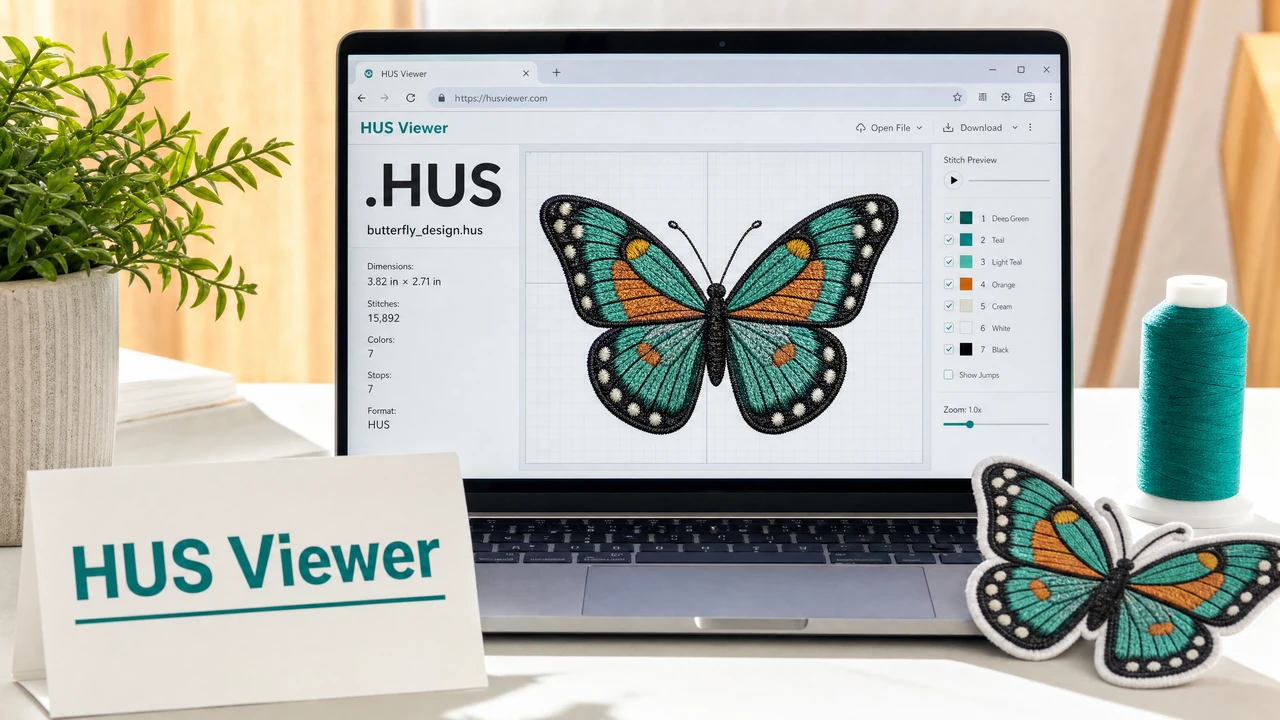
How to preview a HUS file
Open the StitchPilot.ai embroidery viewer and upload your HUS file. The viewer parses the stitch and color data from the Husqvarna Viking format and renders a visual simulation.
HUS files include color information, allowing the viewer to display color zones with more accuracy than stitch-only formats. Review color placement, fill coverage, and overall design structure.
Confirm that the design fits within your machine's hoop capacity. Older Husqvarna Viking machines have different hoop size limits — verify dimensions match before transferring the file.
HUS is an older format. If your current machine supports VP3, consider using a VP3 version of the design for the best compatibility. Check your machine documentation for format support details.
About the HUS format
HUS is the older embroidery format used by Husqvarna Viking machines. It stores stitch data along with color information. Husqvarna Viking's newer machines use VP3 as the primary format. HUS files may still be encountered in older design libraries, purchased design collections, or legacy archives.
HUS vs VP3
If you have both HUS and VP3 versions of a design, use VP3 for modern Husqvarna Viking and Pfaff machines. HUS is useful when working with older machines that specifically require it, or when accessing designs from older collections that only exist in HUS format.
HUS viewer — common questions
HUS is an older Husqvarna Viking embroidery format. Newer Husqvarna Viking machines use VP3 as the primary format. HUS files may still be found in older design libraries.
Yes. The StitchPilot.ai embroidery viewer renders HUS files in the browser without requiring Husqvarna Viking software or any other installed application.
No. HUS is an older Husqvarna Viking format. VP3 is the newer format used by both Husqvarna Viking and Pfaff machines. If your machine supports VP3, use VP3 for the best compatibility.
Some newer Husqvarna Viking machines can still read HUS files for backward compatibility, but VP3 is recommended for current models. Check your machine manual for format support details.
No. The viewer generates a read-only simulation. The original HUS file is not modified.
Ready to get started?
Upload a HUS file to view stitch paths, color zones, and design dimensions in your browser — no software installation required.
Open HUS Viewer →