Upload your EXP file
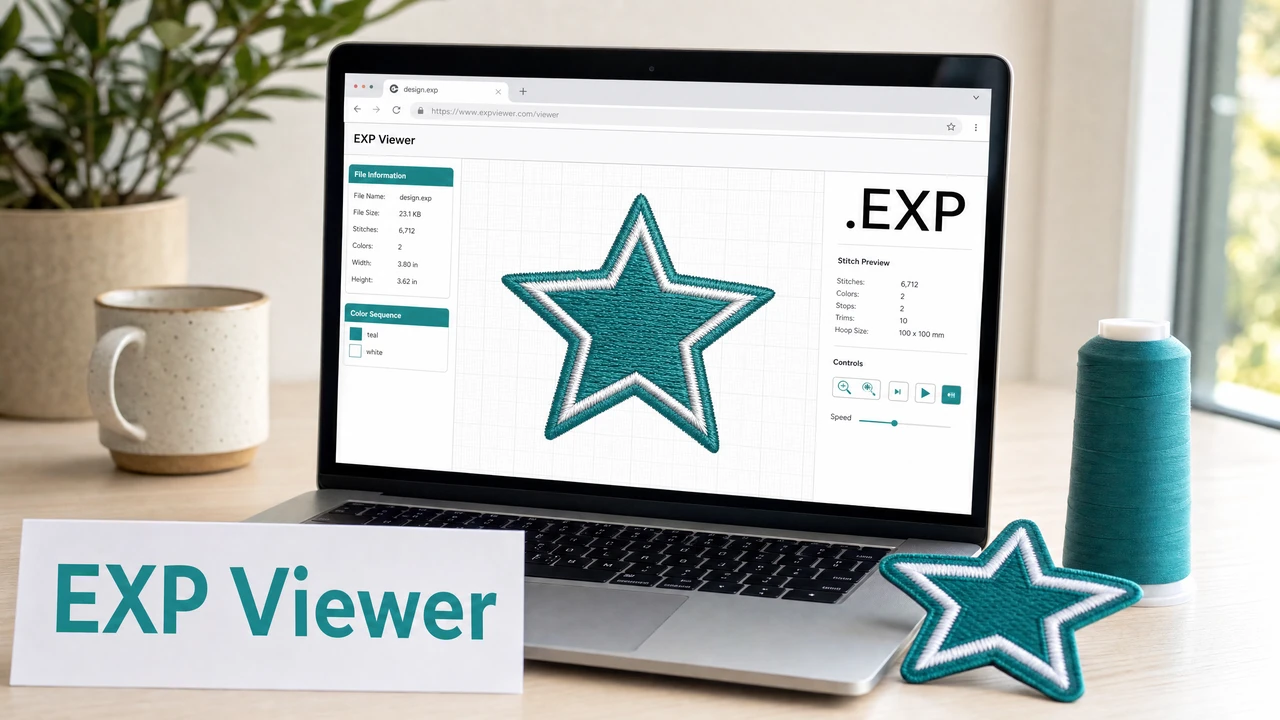
Open the StitchPilot.ai embroidery viewer and upload your EXP file. The viewer parses the stitch coordinate data and renders a simulation of the design.
 StitchPilot.ai
File viewer · EXP format
Preview EXP embroidery files in your browser — no Bernina or Melco software required. The StitchPilot.ai viewer renders EXP stitch paths and color-change zones online, letting you verify design structure, check stitch coverage, and share previews before sending files to production.
How to preview an EXP file
Open the StitchPilot.ai embroidery viewer and upload your EXP file. The viewer parses the stitch coordinate data and renders a simulation of the design.
EXP files mark color-change positions but do not embed thread color names. The viewer assigns placeholder colors for each zone — use these to confirm the number of color changes and their positions within the design.
Verify that the rendered design fits within your Bernina or Melco machine's supported hoop area. Confirm the scale matches your intended placement before sending to production.
Use the visual preview to get client or team approval before committing to production. A screenshot or exported preview image reduces revision rounds and confirms placement intent.
About the EXP format
EXP is a stitch-coordinate embroidery format primarily used by Bernina and Melco machines. Like DST, it records stitch positions and color-change stops but does not embed thread color names or brand codes. Color information must be managed separately via a color sequence reference.
Previewing EXP files
The StitchPilot.ai viewer renders EXP files as a stitch simulation in the browser. Color zones are shown with placeholder colors for visual clarity. The viewer helps you confirm stitch coverage, color-change sequencing, and overall design structure without needing Bernina or Melco software installed.
EXP viewer — common questions
EXP format is primarily associated with Bernina and Melco embroidery machines. It is a stitch-coordinate format without embedded thread color metadata.
Yes. The StitchPilot.ai embroidery viewer renders EXP files in the browser without requiring any installed embroidery software.
EXP files do not store thread color names — they only mark color-change stop positions. The viewer assigns placeholder colors for visual reference. Actual thread colors must be specified separately.
For converting existing embroidery files between formats, use dedicated embroidery software. StitchPilot.ai can digitize new artwork into PES, DST, JEF, or VP3 from image sources.
No. The viewer generates a read-only simulation. The original EXP file is not modified.
Ready to get started?
Upload an EXP file to view stitch paths, color zones, and design dimensions in your browser — no software installation required.
Open EXP Viewer →