Upload your XXX file
Open the StitchPilot.ai embroidery viewer and upload your XXX file. The viewer parses stitch coordinates and color data from the Singer/Compucon format and renders a visual simulation.
 StitchPilot.ai
File viewer · XXX format
Preview XXX embroidery files in your browser without Singer or Compucon software. The StitchPilot.ai viewer renders XXX stitch paths and color zones online, letting you verify design structure, inspect color placement, and share previews before sending files to your machine.
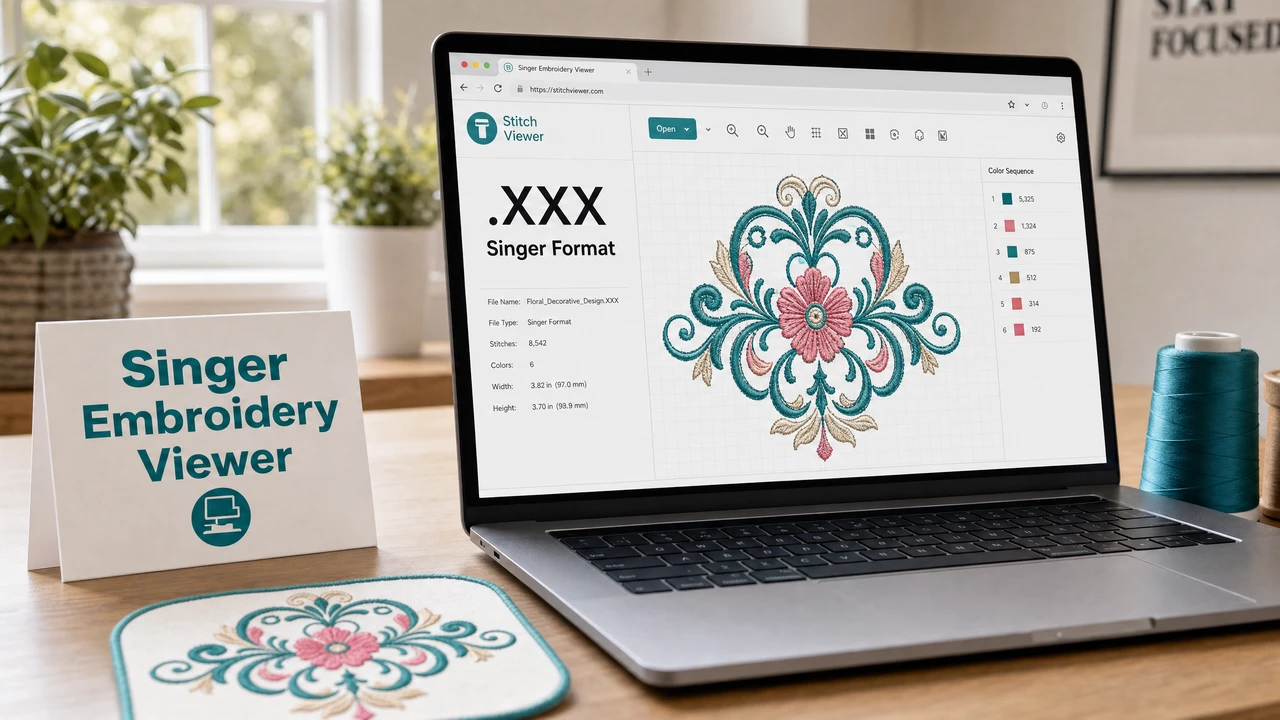
How to preview an XXX file
Open the StitchPilot.ai embroidery viewer and upload your XXX file. The viewer parses stitch coordinates and color data from the Singer/Compucon format and renders a visual simulation.
XXX files include color information, allowing the viewer to display color zones with reasonable accuracy. Review fill coverage, color placement, and overall design structure.
Confirm that the rendered design dimensions fit your Singer or Compucon machine's supported hoop area before transferring the file.
Use the visual preview for client or team approval. A preview reduces revision rounds by confirming layout, scale, and color placement before production begins.
About the XXX format
XXX is an embroidery format primarily associated with Singer and Compucon machines. It stores stitch coordinates alongside color data. While less common than PES, DST, or JEF, it is still found in older design libraries and Singer machine ecosystems.
Format compatibility
If you need to use a design from an XXX file on a machine that does not support XXX natively, you may need to convert it using dedicated embroidery software. StitchPilot.ai can create new embroidery files from image artwork in PES, DST, JEF, and VP3 formats.
XXX viewer — common questions
XXX format is primarily associated with Singer and Compucon embroidery machines. It stores stitch data and color information for use with these machine ecosystems.
Yes. The StitchPilot.ai embroidery viewer renders XXX files in the browser without requiring Singer or Compucon software to be installed.
XXX is primarily a Singer and Compucon format. For broader machine compatibility, DST or the native format of your machine (PES for Brother, JEF for Janome, VP3 for Pfaff/Viking) is preferred.
XXX files include color information alongside stitch data. The viewer uses this data to display color zones, giving a more accurate visual preview than formats that only mark color-change stops.
No. The viewer generates a read-only simulation. The original XXX file is not modified.
Ready to get started?
Upload an XXX file to view stitch paths, color zones, and design dimensions in your browser — no software installation required.
Open XXX Viewer →