Use case · Print shops & decorators

Embroidery Workflow for Print Shops

Print shops and apparel decorators handle embroidery orders alongside screen printing, DTG, and heat transfer work. StitchPilot.ai helps streamline the embroidery digitizing step — from artwork intake and AI conversion to stitch preview, client approval, and machine-ready file delivery in DST or your required format.

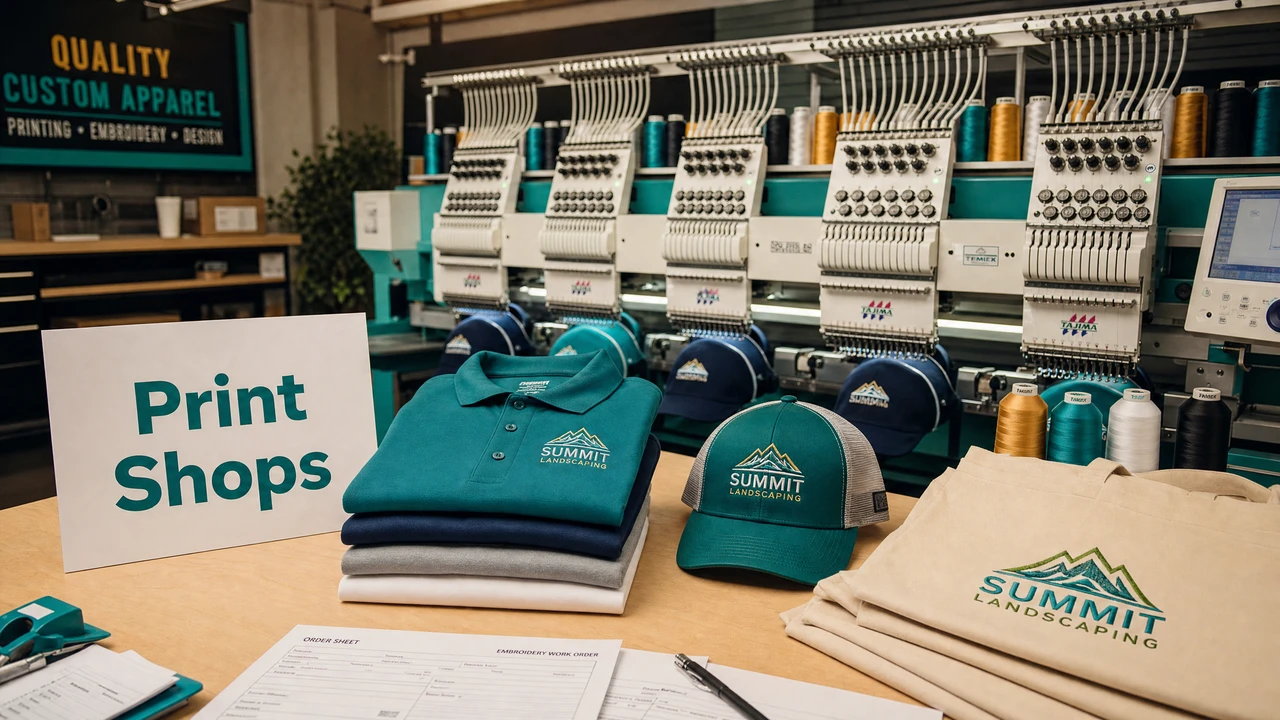
Embroidery workflow for print shops in StitchPilot.ai
Embroidery digitizing and file workflow for print shops in StitchPilot.ai.

Print shop embroidery workflow

01

Collect and assess artwork

Request artwork at the start of each order. SVG vector files are preferred; high-resolution PNG (300 DPI or above) also works. Identify logos with gradients, very fine detail, or small text — these will need simplification before digitizing reliably.

02

Digitize with AI assistance

Upload the artwork to StitchPilot.ai and specify the target output size and format. The AI analyzes color regions and generates stitch settings. Review the stitch preview to verify fill coverage, color zones, and edge quality before proceeding.

03

Generate a preview for approval

Export a preview image of the stitched design to share with the client or internal team. Previews help catch positioning issues, color mismatches, and design simplification problems before committing to a production run.

04

Deliver the file and test stitch

Download the approved embroidery file in the format required by your machines (DST for industrial multi-head, PES for Brother, JEF for Janome, etc.). Run a test stitch on scrap fabric before the full production run to verify tension, density, and registration.

Artwork intake best practices

Start with the right files

A consistent artwork intake process saves time and reduces revisions. For embroidery, the quality of the input artwork directly affects the quality of the digitized output. Establish clear artwork requirements as part of your client onboarding.

  • SVG vector files — best for clean, scalable digitizing
  • PNG at 300 DPI or above — works well for most logos
  • Avoid JPG screenshots, low-res images, and photos
  • Request simplified versions of complex multi-color logos

Production file management

Formats, naming, and archiving

Embroidery file management is part of a print shop's operational efficiency. Keep original artwork, the digitized source file, and the machine-ready output file together. A clear naming convention with client name, design name, date, and format suffix prevents mix-ups.

  • DST for commercial multi-head machine orders
  • PES for Brother, JEF for Janome, VP3 for Pfaff/Viking
  • Archive source artwork and embroidery file together
  • Include a color sequence sheet with each DST file

Print shop embroidery — common questions

What embroidery file format should print shops use?

DST is the standard format for commercial print shop and embroidery shop workflows. It is accepted by most industrial multi-head machines. For smaller shops with specific machines, confirm the required format with the production team.

How can print shops speed up their embroidery workflow?

A consistent intake process helps: collect artwork at the start (SVG or high-res PNG preferred), digitize with AI assistance, generate a stitch preview for client approval, then send the approved file to production. StitchPilot.ai handles the digitizing and preview steps.

Can StitchPilot.ai handle high-volume print shop work?

StitchPilot.ai is a browser-based tool that works file by file. It is well-suited for small and medium print shops that need AI-assisted digitizing, stitch previews, and embroidery file conversion without installing desktop software.

Do I need to test stitch every design before production?

Yes. For production runs, always run a test stitch on scrap fabric with the same backing and thread as your production order. Previews help catch obvious issues but cannot replace a physical test stitch.

Who can I contact for workflow support?

Contact support@stitchpilot.ai with your file type, machine, and a description of the issue. The support team can help troubleshoot digitizing and format questions.

Ready to streamline your workflow?

AI embroidery digitizing for print shops

Upload client artwork, review the AI-assisted stitch preview, and export machine-ready files in DST, PES, or your required format — no software install required.

Start digitizing →