Upload your JEF file
Navigate to the StitchPilot.ai embroidery viewer and upload your JEF file. The viewer decodes the stitch data and renders a visual simulation in the browser.
 StitchPilot.ai
File viewer · JEF format
Preview JEF embroidery files in your browser before transferring to a Janome or Elna machine. View stitch paths, color zones, and design dimensions without installing desktop software. Verify layout and scale before committing to fabric.
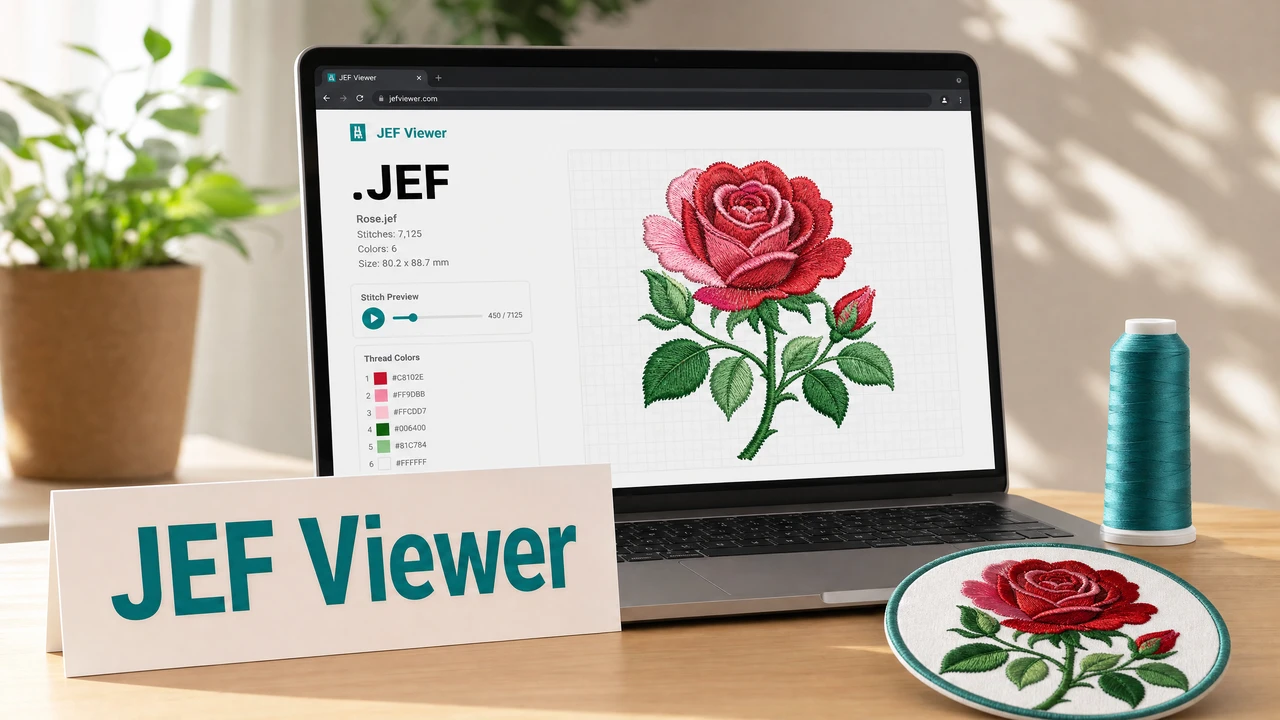
How to preview a JEF file
Navigate to the StitchPilot.ai embroidery viewer and upload your JEF file. The viewer decodes the stitch data and renders a visual simulation in the browser.
Review fill regions, outline paths, and color zone sequence. JEF stores color information alongside stitch data, so the viewer can display color zones more accurately than DST-based formats.
JEF files include hoop size data. Confirm the design dimensions are within the hoop capacity of your Janome machine before transferring the file.
Use the preview for client sign-off or internal review. A visual confirmation before production reduces test fabric waste and machine setup time.
Why preview JEF files?
JEF files store stitch coordinates, color data, and hoop information. A viewer confirms that the design is laid out correctly and fits within the intended hoop before you transfer the file to your Janome machine.
JEF+ note
JEF+ is an extended variant of JEF that supports larger hoop sizes and additional metadata on compatible Janome models. The viewer supports both standard JEF and JEF+ files. If you are unsure which variant your file uses, upload and preview to verify.
JEF viewer — common questions
Yes. The StitchPilot.ai embroidery viewer renders JEF files in the browser without requiring Janome Digitizer or any other installed software.
JEF files store color sequence information, so the viewer can display approximate color zones. These are based on the color data in the file and are a useful reference, though exact thread colors should be verified separately.
Yes. The viewer supports both standard JEF and JEF+ variants.
No. The viewer generates a read-only simulation. The original file is not modified.
Upload the file and check whether the issue is with stitch rendering or color display. If the problem persists, contact support@stitchpilot.ai with the file and a description of the issue.
Ready to get started?
Upload a JEF or JEF+ file to view stitch paths, color zones, and design dimensions in your browser — no Janome software required.
Open JEF Viewer →