Use case · Apparel brands & merch

Embroidery Conversion for Apparel Brands

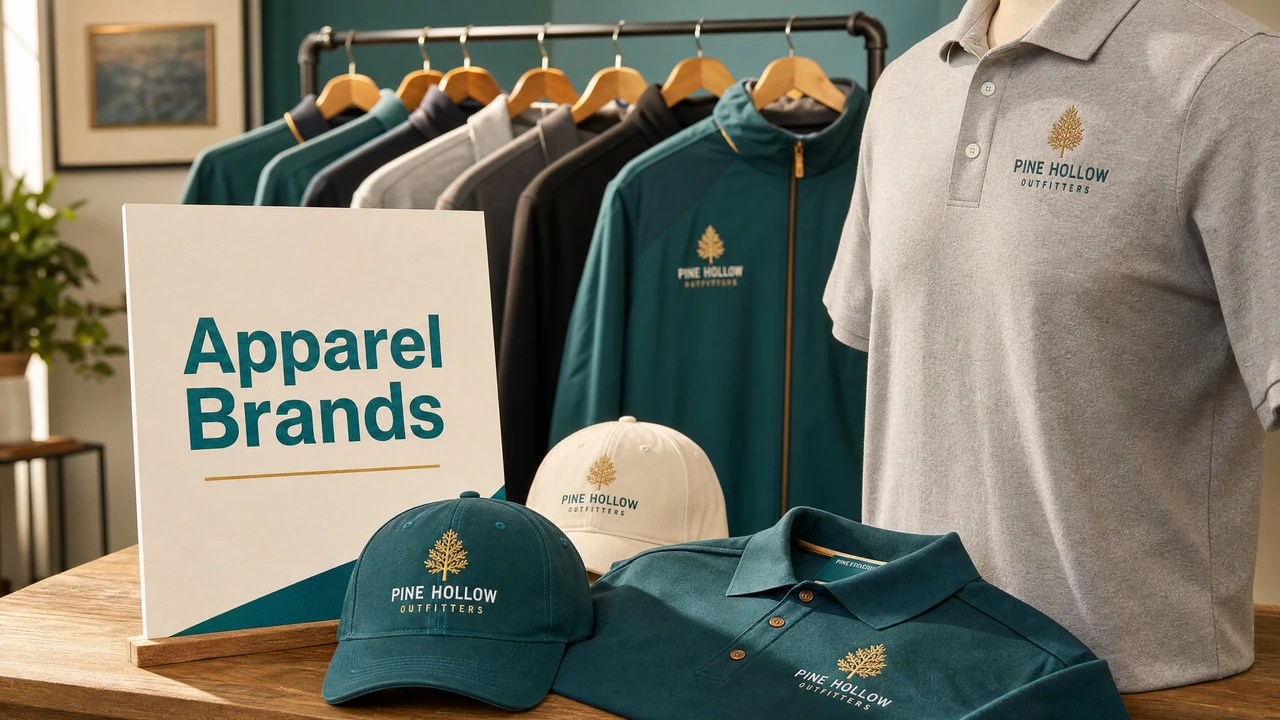
Apparel brands and merch teams need consistent, production-ready embroidery files across multiple garment types and placements. StitchPilot.ai assists with AI-guided logo digitizing, stitch preview, and file export in the format required by your production partner — from chest logos and cap fronts to sleeve placements and back embroidery.

Embroidery conversion workflow for apparel brands in StitchPilot.ai
Embroidery digitizing and file workflow for apparel brands in StitchPilot.ai.

Apparel brand embroidery workflow

01

Prepare an embroidery-ready logo

Work from a simplified version of your brand logo — solid color regions, no gradients, minimal fine detail. SVG vector files are ideal. Define the final embroidery size for each placement before digitizing, as stitch settings differ between sizes.

02

Digitize with AI assistance

Upload the artwork to StitchPilot.ai and set the target size and output format. Review the AI-generated stitch preview for color accuracy, fill coverage, and edge definition — especially for thin lines, small text, and complex shape regions.

03

Review and get approval

Export a preview image of the stitched design to share with brand stakeholders or production partners. Preview images allow for sign-off on scale, color, and placement before committing to a production sample or full run.

04

Deliver files and run samples

Download the embroidery file in the required format (DST for commercial shops, or machine-specific formats). Share with your production partner along with a color sequence reference. Request a sample stitch before approving the full production run.

Multi-placement brand strategy

Adapting logos for each garment

A brand logo designed for a hang tag or website may need significant adaptation for embroidery. Size, fabric type, and hoop constraints all affect how much detail can be reproduced. Create separate embroidery-optimized versions for each key placement size.

  • Chest logo: typically 70–100mm wide, solid fill regions
  • Cap front: 50–80mm wide, reduced detail for curved panels
  • Sleeve: 40–60mm wide, simplified mark or wordmark only
  • Back yoke or full back: 100–130mm, more detail possible

Working with production partners

File delivery and coordination

When working with external embroidery shops, clear file delivery and communication prevents costly remake orders. Confirm format requirements upfront, always include a color reference, and request a sample before approving full production quantities.

  • Confirm format requirement before digitizing (usually DST)
  • Include thread brand, color number, and stitch order
  • Share a preview image alongside the embroidery file
  • Require a physical sample before full production approval

Apparel brands — common questions

What format should apparel brands use for embroidery orders?

DST is the most widely accepted format for commercial embroidery orders. When working with specific machine brands, confirm the format: PES for Brother, JEF for Janome, VP3 for Pfaff/Viking. Always include a color sequence reference sheet with DST files.

How should apparel brands prepare logos for embroidery?

Prepare a simplified version of the logo with solid color regions, no gradients, and limited detail. SVG vector files are ideal. Decide on the final embroidery size before digitizing — a design optimized for a 100mm chest logo will not necessarily work at 40mm.

Can StitchPilot.ai help with embroidery across multiple garment types?

Yes. You can digitize the same artwork at different sizes for different placements (chest, cap front, sleeve). Each placement typically requires a separate embroidery file optimized for that size and fabric.

How do I send an embroidery file to a production partner?

Download the embroidery file from StitchPilot.ai in the format requested by your production partner (usually DST). Include a color sequence sheet noting thread brand, color reference, and color order. Share the preview image for final approval before production.

Is AI digitizing production-ready without review?

No. AI-assisted digitizing is a workflow aid that speeds up the process, but all results should be reviewed by a person before production. Check stitch coverage, color sequence, edge quality, and run a test stitch before full production runs.

Ready to digitize your brand logo?

Convert apparel brand logos to embroidery files

Upload your logo, review the AI-assisted stitch preview, and export in DST, PES, JEF, or VP3 format — ready for your production partner.

Start converting →