Color metadata
PES stores thread color assignments from the Brother palette. DST is stitch-only — no color data. Commercial operators assign colors manually from the sequence of color stops.
 StitchPilot.ai
Format comparison guide
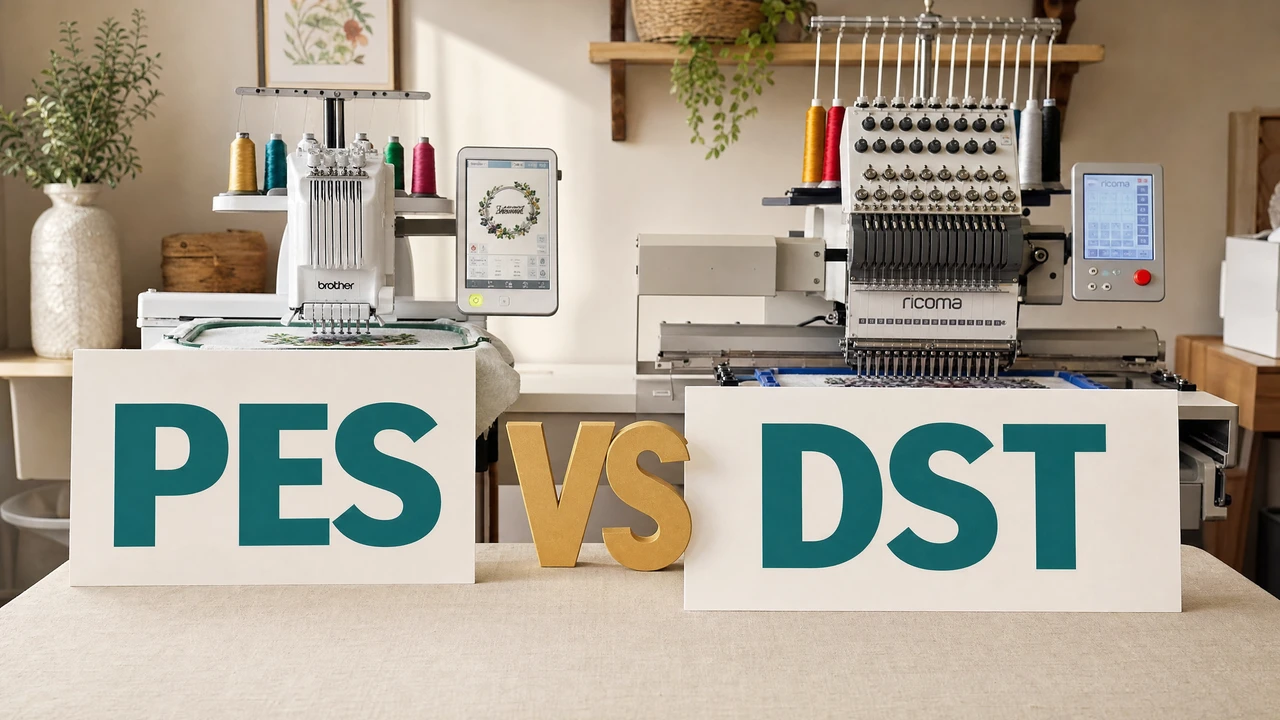
PES and DST are the two most common embroidery formats — but they serve very different purposes. PES is Brother's color-aware format for home machines; DST is Tajima's stitch-only standard for commercial shops. Choosing the right one depends on your machine and workflow.
Key differences at a glance
PES stores thread color assignments from the Brother palette. DST is stitch-only — no color data. Commercial operators assign colors manually from the sequence of color stops.
PES is native to Brother home machines (PE, SE, NV, Luminaire series). DST works across virtually all commercial machines — Tajima, Barudan, ZSK, and many home machines too.
Use PES for embroidering at home on a Brother machine. Send DST when outsourcing to a commercial shop — it is the de facto standard shops request for multi-head industrial machines.
StitchPilot.ai converts between PES, DST, and all major formats. PES→DST drops color data; DST→PES requires manual color reassignment. StitchPilot.ai flags this during conversion.
PES — best for
PES is the right choice when working directly with a Brother machine or any workflow where color accuracy matters and files won't be sent to an outside shop.
DST — best for
DST is the right choice when sending files to a commercial embroidery shop or when cross-brand machine compatibility is required. It is the universal industrial standard.
PES vs DST — common questions
PES is Brother's proprietary format that stores stitch data plus thread color metadata, designed for home machines. DST is Tajima's open industrial format that stores only stitch movements with no color data — the industry standard for commercial embroidery shops.
Use PES for Brother machines. PES is the native format and preserves thread color assignments. DST technically works on most Brother machines but loses color metadata, requiring manual thread setup.
Commercial shops use industrial embroidery machines (Tajima, Barudan, ZSK) that run on DST. It is a universal format that works across brand boundaries, making it the standard for outsourced embroidery orders.
Yes. StitchPilot.ai converts between PES, DST, and other embroidery formats. Note that converting PES to DST loses color metadata, while converting DST to PES requires manual color reassignment.
Stitch quality depends on the digitizing, not the format. Both PES and DST can store high-quality designs. PES offers version-specific enhancements for Brother machines, while DST's simplicity ensures broad compatibility.
Ready to continue?
StitchPilot.ai digitizes any image to PES, DST, or 10+ other embroidery formats. Download the right format for your machine or shop.
Start Converting →