Stitch-only format
EXP stores only needle positions and movement commands. It contains no embedded thread color data — colors are determined by the order of thread changes at the machine.
 StitchPilot.ai
Format reference · Bernina & Melco
EXP is a stitch-only embroidery format used by Bernina home machines and Melco commercial systems. No color metadata is stored — thread colors are assigned at the machine by reading the color stop sequence.
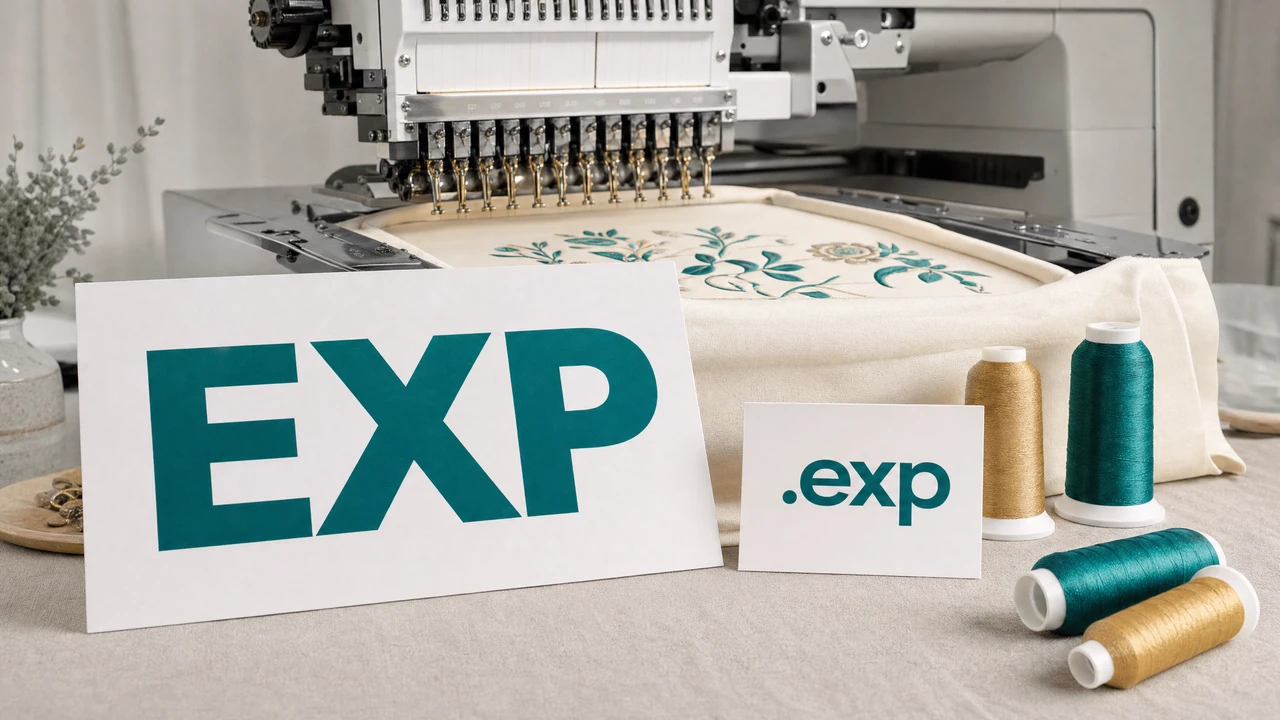
Working with EXP files
EXP stores only needle positions and movement commands. It contains no embedded thread color data — colors are determined by the order of thread changes at the machine.
Designed for Bernina home embroidery machines and Melco commercial systems. Some legacy Barudan industrial machines also accept EXP input files.
StitchPilot.ai digitizes PNG, JPG, SVG, or WebP images to EXP using AI-assisted stitch planning. Download a machine-ready file in seconds.
Preview any EXP file in the browser — no plugins or software needed. Inspect the stitch path and color change count before sending to your machine.
Format specifications
EXP uses relative coordinate encoding, similar to DST. It lacks a standardized color palette block, so thread color order must be documented and managed separately.
Tips for EXP files
Because EXP stores no color data, careful thread planning before running the design is essential. Use the StitchPilot.ai viewer to count color stops before setting up bobbins.
EXP format — common questions
EXP is primarily associated with Bernina embroidery machines and Melco commercial systems. Some older Barudan industrial machines also read EXP files.
No. EXP is a stitch-only format and does not embed thread color metadata. Thread colors must be assigned manually based on the color stop sequence.
Yes. StitchPilot.ai converts raster images (PNG, JPG, WebP, SVG) to EXP using AI-assisted digitizing. The resulting file is compatible with Bernina and Melco machines.
Upload the EXP file to StitchPilot.ai's free embroidery viewer to inspect the stitch path and color sequence without any software installation.
Both EXP and DST are stitch-only formats without embedded color data, but they use different encoding schemes. EXP is associated with Bernina/Melco, while DST (Tajima) is the most widely supported industrial standard.
Ready to continue?
StitchPilot.ai handles EXP alongside all major embroidery formats — no software installation required.
Start Converting →