Identify JEF or JEF+ support
Newer Janome models support JEF+ for larger hoop sizes and extended metadata. Older models use standard JEF. Check your machine documentation to confirm which variant is required before exporting.
 StitchPilot.ai
Machine guide · JEF format
Janome embroidery machines use JEF as their native format. This guide covers JEF and JEF+ compatibility, hoop size planning, USB transfer workflow, and design tips for getting consistent results from Janome and Elna embroidery machines.
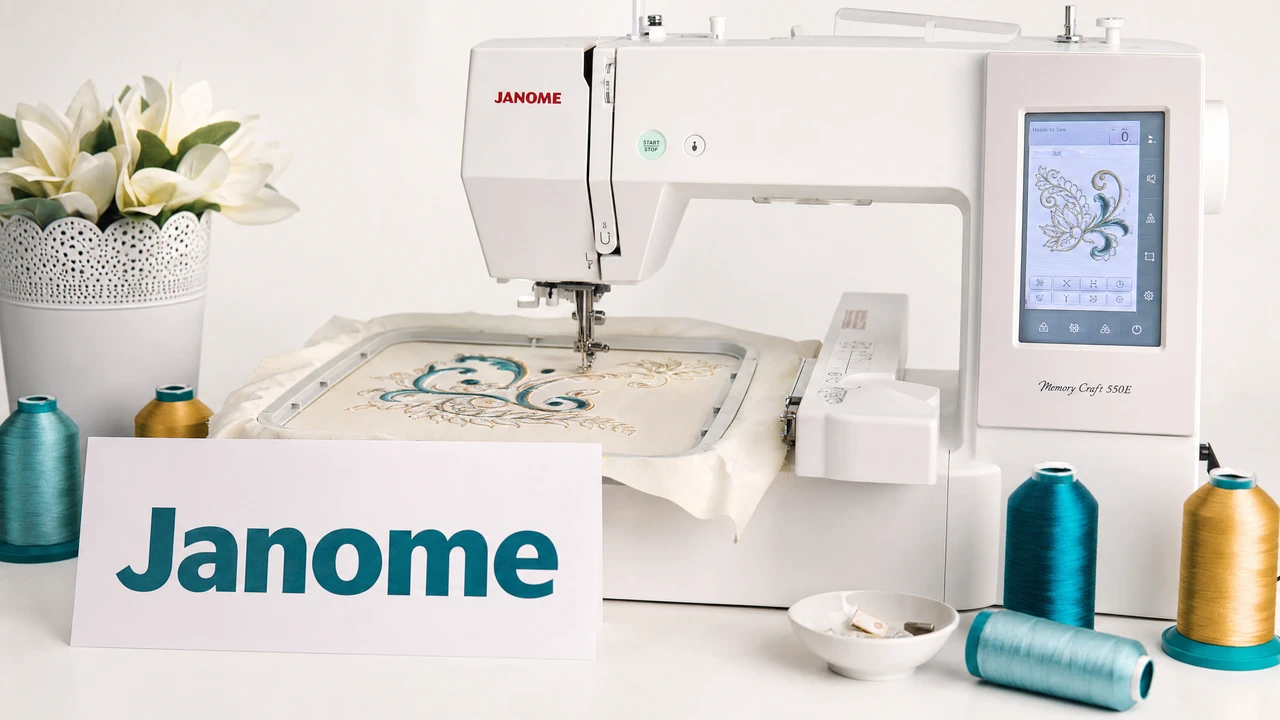
Working with Janome machines
Newer Janome models support JEF+ for larger hoop sizes and extended metadata. Older models use standard JEF. Check your machine documentation to confirm which variant is required before exporting.
Use StitchPilot.ai to convert PNG, JPG, SVG, or WebP artwork into JEF format. Review the stitch preview before downloading to verify color zones and layout.
Copy the JEF file to your machine's compatible media — USB stick or compact flash card depending on model. Confirm the file sits within the machine's supported directory structure.
Load the design on your Janome machine, review the on-screen preview for scale and color sequence, then test stitch on scrap fabric. Adjust stabilizer and tension before committing to final material.
Janome machine series
Janome offers a range of embroidery machines including the Memory Craft (MC), Continental M, and Horizon series. JEF support varies by model — newer models use JEF+ while older units use standard JEF. Elna machines, a Janome sister brand, also use JEF.
File transfer tips
Janome machines vary in media type by model — some use USB drives, others use compact flash or SD cards. Use the media type specified in your machine manual. Format the media using your machine or a PC with FAT32 if supported.
Janome machines — common questions
Janome machines use JEF as their native embroidery format. Newer models support JEF+, an extended variant with larger hoop size support. Check your machine documentation for the specific variant required.
JEF+ is an extended version of the JEF format that supports larger hoop sizes and additional design metadata. It is available on newer Janome models. Older machines use standard JEF.
Most Janome machines do not natively read PES files. Convert your design to JEF format before transferring to a Janome machine.
Transfer depends on your model — use a USB drive, compact flash, or SD card as specified in your manual. Copy the JEF file to the media and insert it into the machine's card slot or USB port.
Common causes include using JEF+ on a machine that only supports standard JEF, a hoop size exceeding the machine's maximum, or media format issues. Confirm file variant and hoop dimensions in your machine manual.
Ready to get started?
Upload PNG, JPG, SVG, or WebP artwork and export a JEF file compatible with your Janome or Elna embroidery machine.
Start converting →