Guide · PES file viewer

How to Open a PES File Online

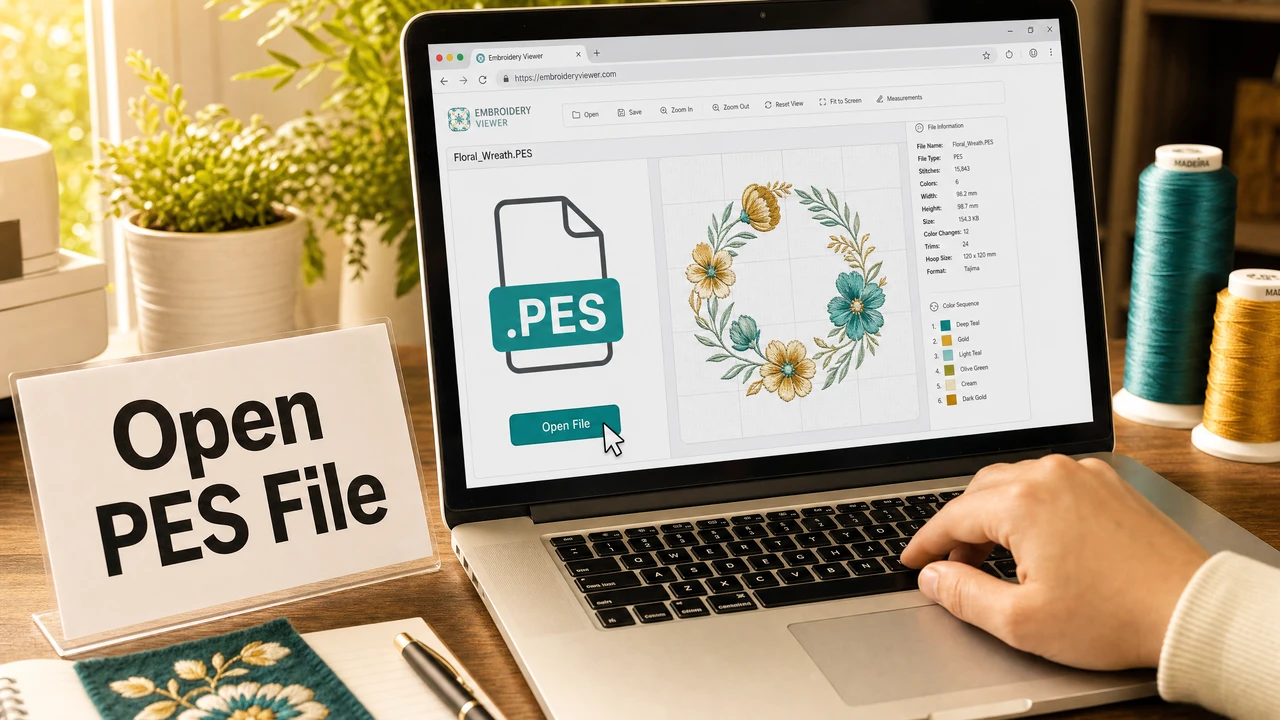
PES is Brother's native embroidery format — and unlike standard image files, it can't be opened in regular viewers or design software. StitchPilot.ai lets you view PES stitch layouts with color data, export PNG previews, and convert to other formats directly in the browser. No software installation required.

How to open a PES embroidery file online in StitchPilot.ai
Open and view Brother PES embroidery files in the browser with StitchPilot.ai.

Steps to open a PES file

01

Locate your PES file

PES files have a .pes extension and are created by Brother embroidery machines and software including PE-Design, iBroidery, and others. They come from design libraries, digitizers, or Etsy digital downloads. PES stores both stitch data and thread color references.

02

Upload to StitchPilot.ai

Go to the Embroidery Viewer or Embroidery to Image tool. Drag and drop your PES file or use the file selector. StitchPilot.ai reads the stitch and color data and renders the design with its assigned thread colors visible in the preview.

03

Review the stitch preview

Check the stitch layout for overall design accuracy, fill coverage, color region boundaries, and any obvious issues. PES previews show color assignments, making it easier to verify thread colors against your machine's thread stock before stitching.

04

Export or convert

Download a PNG preview for sharing, archiving, or client review. Or convert the PES to DST for a commercial shop, or to another format if you need to stitch on a non-Brother machine. Check color assignments after conversion when switching to stitch-only formats.

What is PES?

Brother's color-aware embroidery format

PES is Brother's proprietary embroidery format, used across the PE, SE, NV, NS, and Luminaire machine families. Unlike DST, PES stores thread color assignments from the Brother thread palette, making it the most color-complete format for home embroidery use.

  • Stores stitch data plus Brother thread color assignments
  • Multiple versions (v1 through v6+) with varying feature support
  • Native format for all Brother home embroidery machines
  • Created by Brother PE-Design, iBroidery, and compatible software

Common PES use cases

When you'll encounter PES files

PES files appear in several common scenarios for home embroiderers, Etsy sellers, and people purchasing or sharing designs. Understanding what to do with a PES file makes each of these situations easier to handle.

  • Purchased design from Etsy or design library — preview before use
  • Received file from a digitizer — verify stitch layout
  • Need to share design as image — export PNG from PES
  • Need to send to commercial shop — convert PES to DST

PES files — common questions

How do I open a PES file without Brother software?

Upload the PES file to StitchPilot.ai's Embroidery Viewer or Embroidery to Image tool. Both run in the browser without requiring Brother PE-Design or any other embroidery software. You can view the stitch layout and export a PNG preview.

What is a PES file?

PES is Brother's proprietary embroidery format. It stores stitch data plus thread color metadata from the Brother thread palette, making it the native format for Brother home embroidery machines including PE, SE, NV, and Luminaire series.

Can I convert a PES file to PNG or JPG?

Yes. Use StitchPilot.ai's Embroidery to Image tool to convert PES to PNG. Upload the PES file and download a stitch preview image, showing the design with its color zones rendered as an image.

Can I convert PES to DST or other formats?

Yes. StitchPilot.ai converts PES to DST, JEF, VP3, HUS, and other formats. Note that converting PES to DST will lose the embedded color metadata, as DST does not store color information.

Which PES versions does StitchPilot.ai support?

StitchPilot.ai supports common PES versions used by modern Brother machines. If you encounter issues with a specific PES version, contact support@stitchpilot.ai with the file details.

Ready to open your PES file?

View Brother PES files in the browser

Upload any PES file to StitchPilot.ai to view the stitch layout with colors, export a PNG preview, or convert to DST or other formats — no software install needed.

Open in viewer →