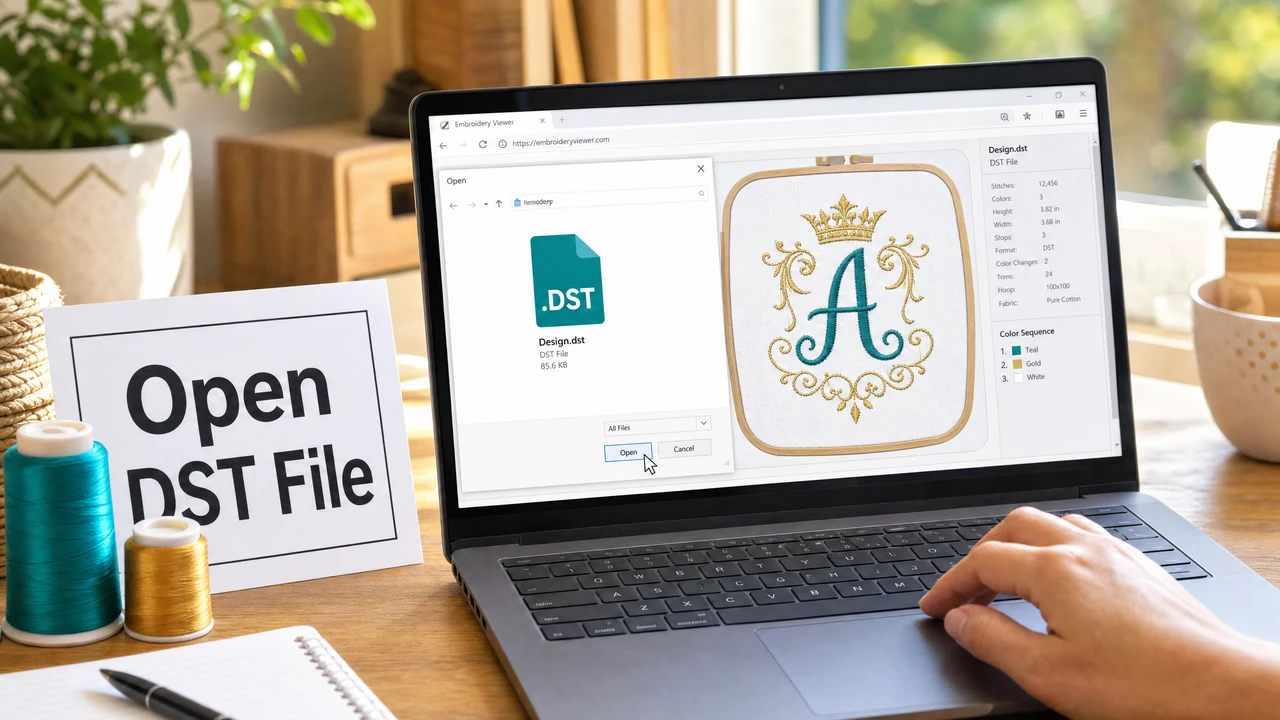
How do I open a DST file without embroidery software?
Upload the DST file to StitchPilot.ai's Embroidery Viewer or Embroidery to Image tool. Both work in the browser without installing any software. The viewer shows the stitch layout interactively; the image export creates a PNG you can share or save.
What is a DST file?
DST (Data Stitch Tajima) is an embroidery stitch file format developed by Tajima. It stores stitch movements (jump, stitch, color stop, end) but no color data. DST is the industry standard for commercial embroidery machines.
Can I convert a DST file to PNG or JPG?
Yes. Use StitchPilot.ai's Embroidery to Image tool to convert DST to PNG. Upload the DST file and download the stitch preview as a PNG image, suitable for sharing, client approval, or Etsy listings.
Can I convert DST to PES or other formats?
Yes. StitchPilot.ai converts DST to PES, JEF, VP3, HUS, and other embroidery formats. Note that DST does not store color data, so the converted file will require manual color assignment.
Why does my DST file show no colors?
DST is a stitch-only format with no embedded color data. Color changes appear as color stops in the sequence, but the specific thread colors must be assigned manually by the machine operator or in embroidery software.