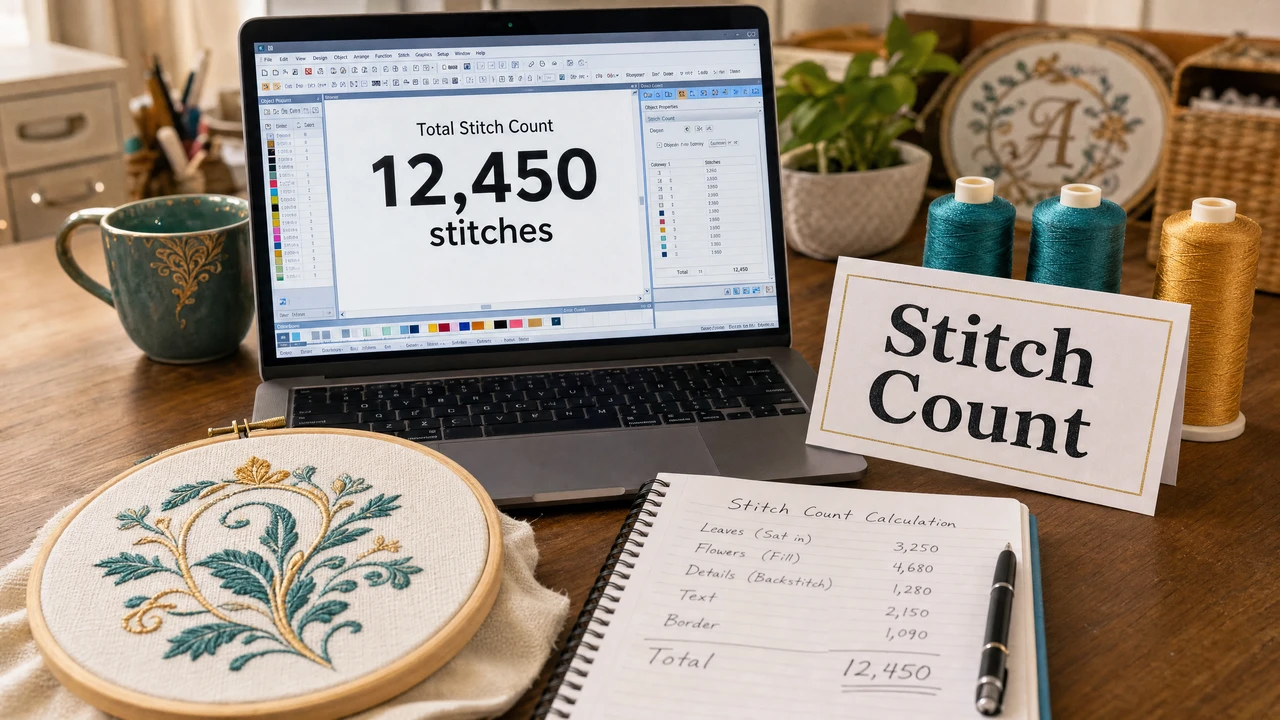
What does stitch count mean in embroidery?
Stitch count is the total number of individual needle penetrations in an embroidery file. It measures design complexity — a simple 3-letter monogram might have 3,000–5,000 stitches, while a detailed logo can have 20,000–50,000 or more.
How does stitch count affect embroidery pricing?
Commercial embroidery shops often price by stitch count. Common tiers are under 5,000, 5,000–10,000, and 10,000+ stitches. Higher stitch counts mean longer machine run time per piece, so the price per item increases.
How do I check stitch count in my embroidery file?
Upload your embroidery file to StitchPilot.ai's Embroidery Viewer. The viewer displays stitch count and other file metadata. You can also check stitch count in embroidery software like PE-Design, Hatch, or Wilcom.
Does a higher stitch count mean better quality?
Not necessarily. More stitches can improve fill coverage and detail, but excessive stitch density can cause puckering, fabric distortion, or thread breaks. Good digitizing balances stitch count with density appropriate for the design and fabric.
How can I reduce stitch count without losing design quality?
Simplify the design — reduce color count, remove fine detail below the minimum stitch size, eliminate unnecessary underlay, and check stitch density settings. A smaller stitch count is not always worse; efficient digitizing uses the minimum stitches needed for the desired result.